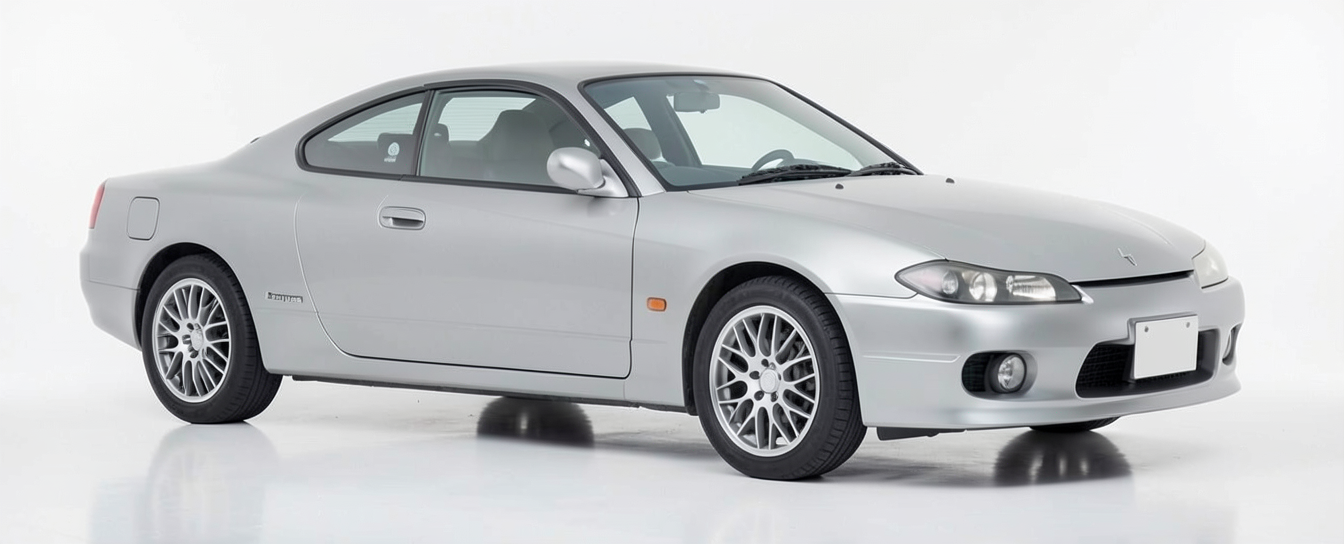
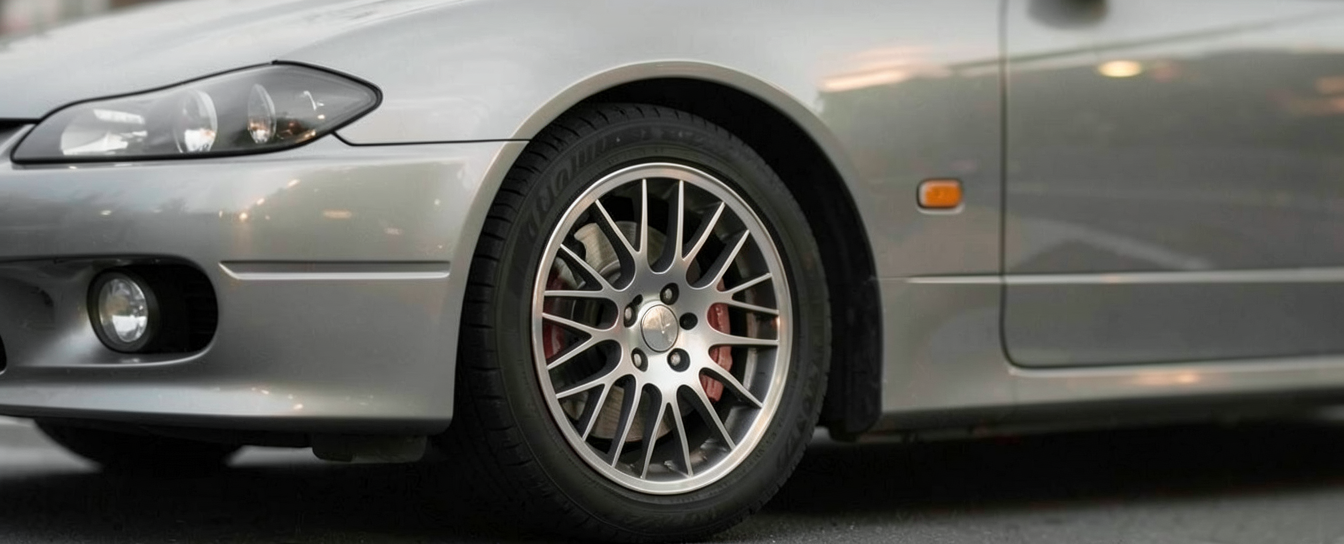
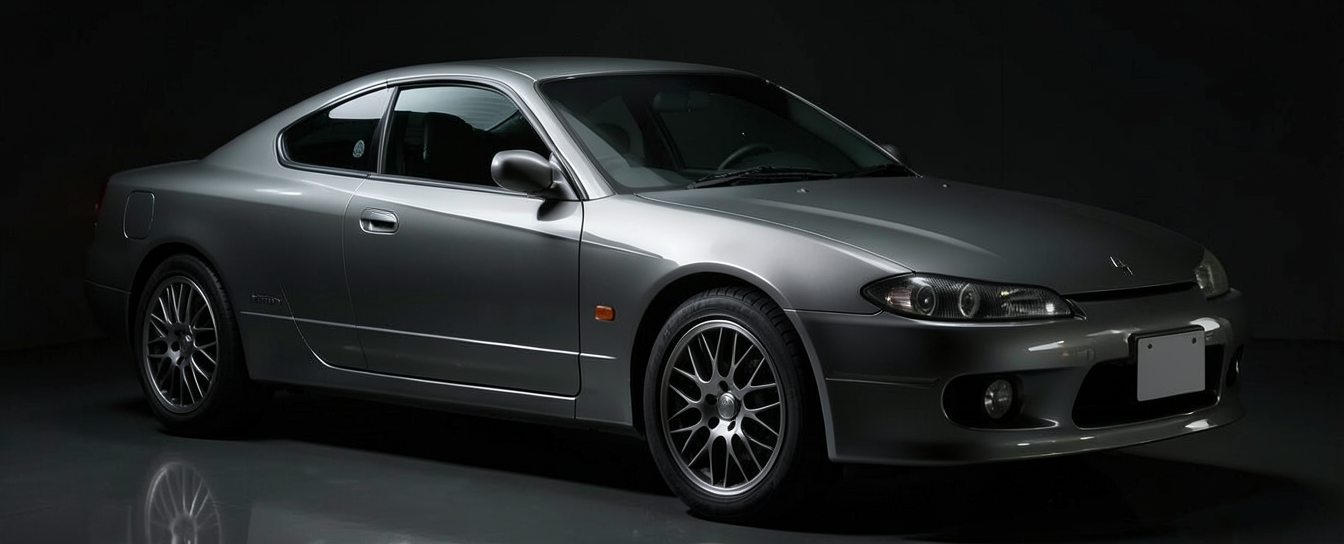
What is the AI gold edition effect?
The whole car turned to polished liquid gold.
How to make an AI gold edition picture
- 1Open the effectClick “Make your own” on this page. You land on the Gold edition form in NitroGennie.
- 2Name your subjectType what should be in the shot, for example “a classic sports car on a marble floor”. The camera, light and style come from the effect.
- 3Check the priceEvery build shows its price in Nitro before you press Build.
- 4Build and downloadYour build is ready in seconds. Download it in full size.
Gold edition video ideas to try
Gold edition effect FAQ
How do I make an AI gold edition picture?+
Open the Gold edition effect, type what should be in the shot, for example “a classic sports car on a marble floor”, choose a format and press Create. Your video is ready in about a minute.
How much does the gold edition effect cost?+
Every build shows its price in Nitro before you press Build (1 Nitro = $0.01): 2 Nitro for most effects, 8 when the shape of the car changes. Every account gets 10 free Nitro a day.
Will my gold edition picture look like the examples?+
Yes. The camera, light and style come from the effect's own prompt, so results look like the five examples above. Only the words you type change.
Can I use the gold edition picture on TikTok, Reels or YouTube?+
Yes. Download it and post it anywhere: Instagram, TikTok, a car forum or your shop page.