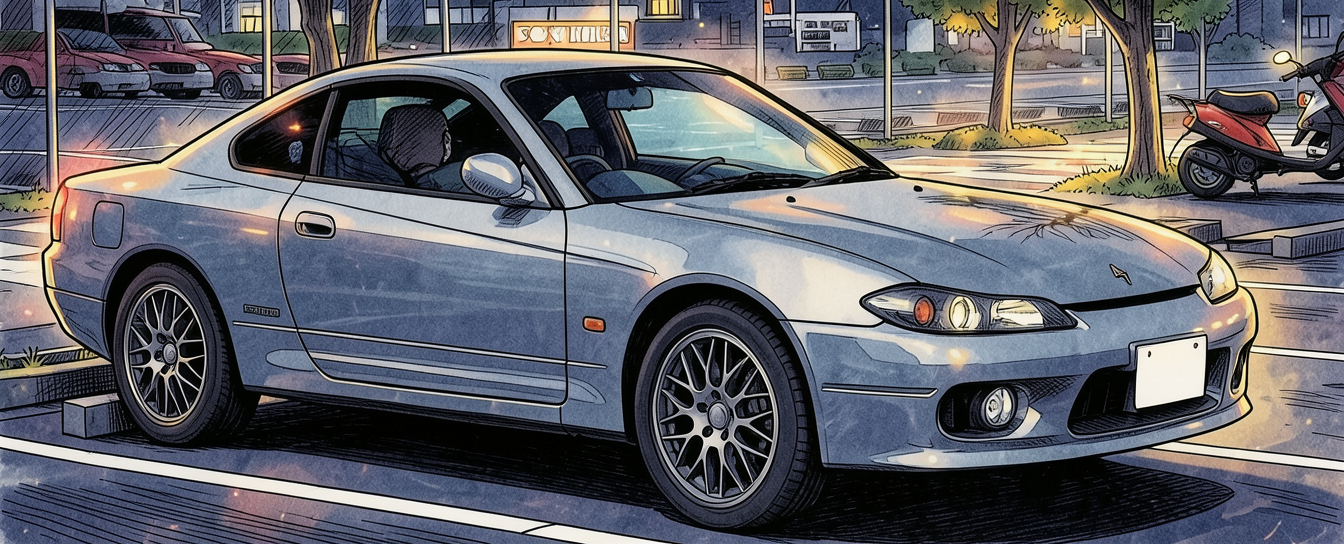
What is the AI drift kit effect?
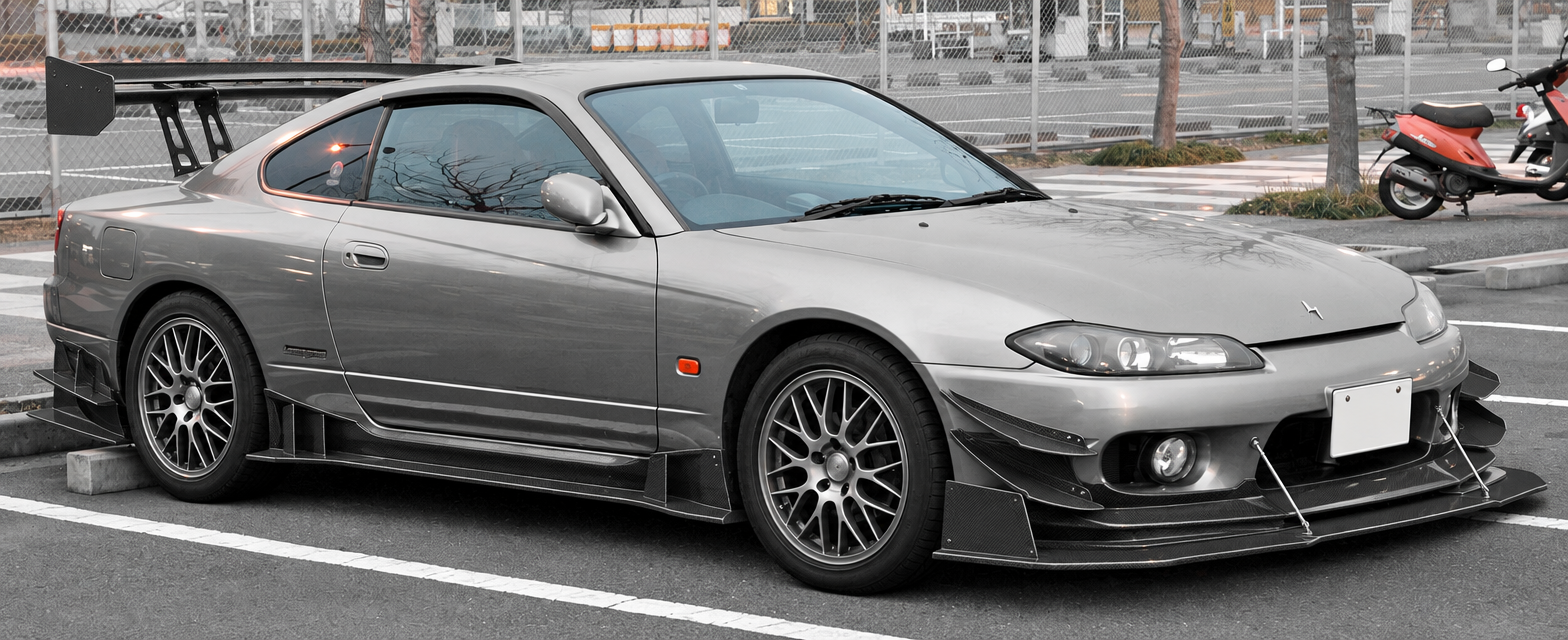
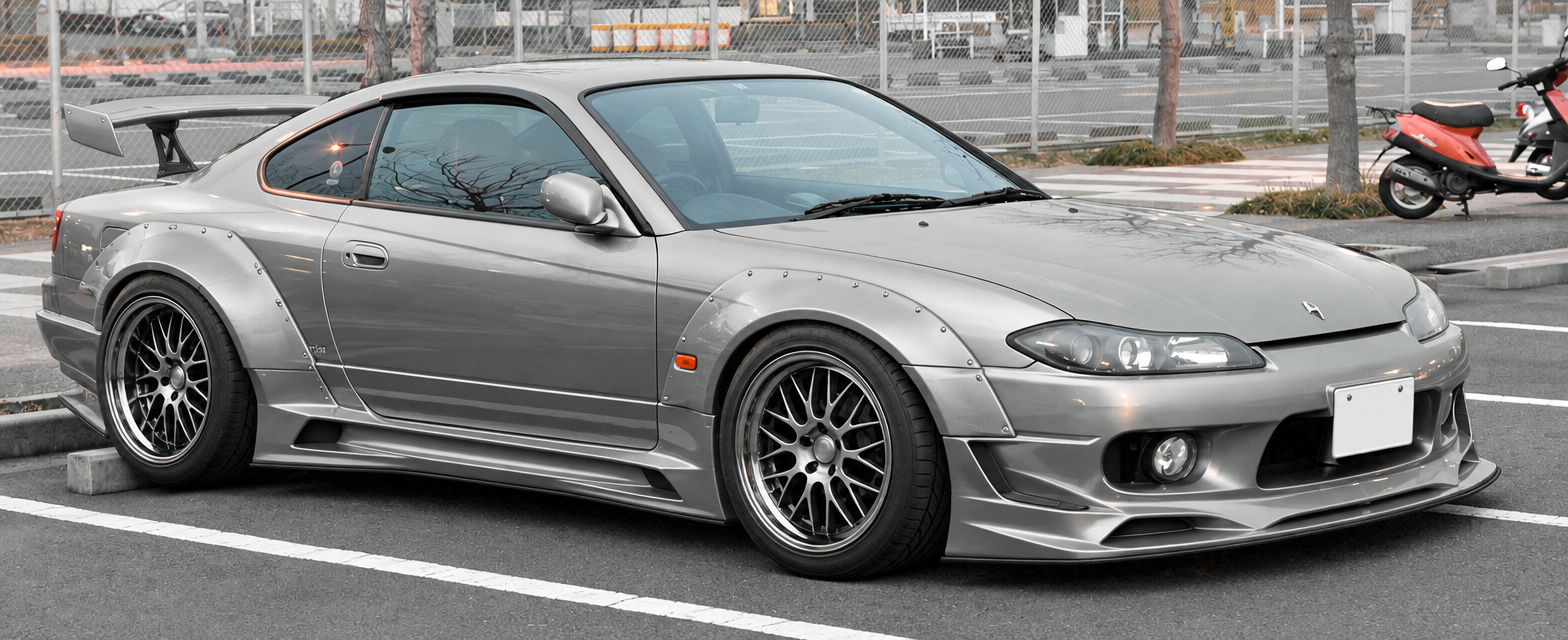
Built to go sideways: bolt-on arches, a big rear wing and a stripped, mean look.
How to make an AI drift kit picture
- 1Open the effectClick “Make your own” on this page. You land on the Drift kit form in NitroGennie.
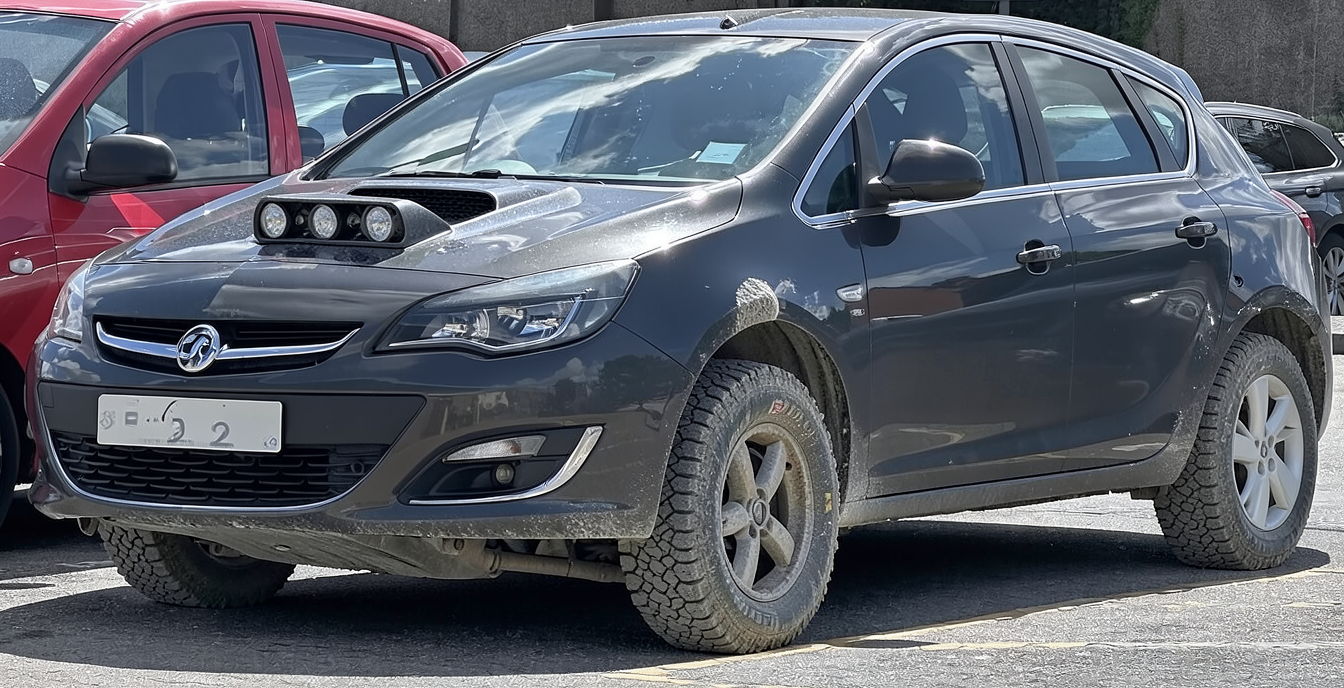
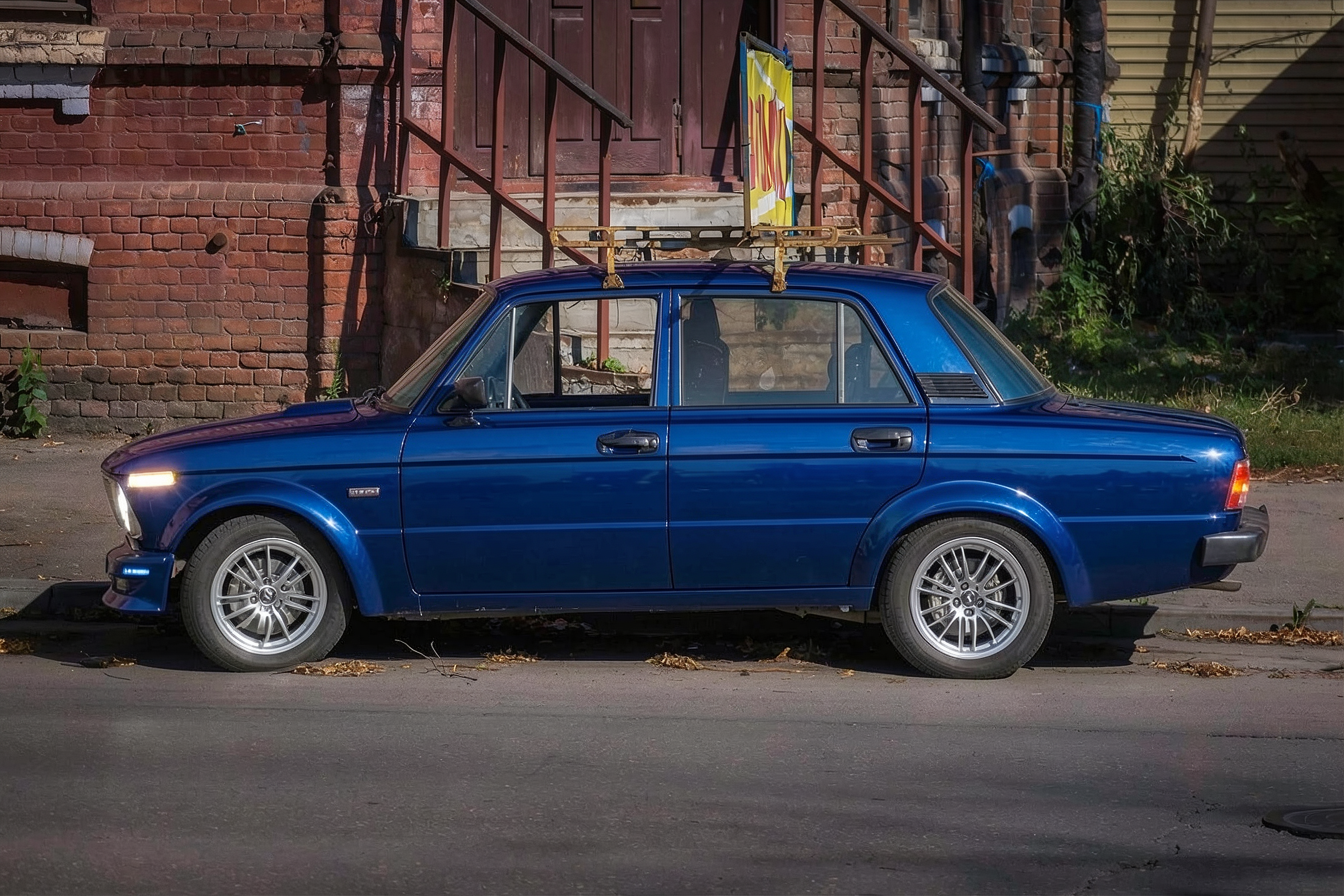
- 2Add your carA photo of your car, the whole car in view. Drop it, paste it or pick a file. You can add a few words, for example “an extra detail, e.g. a carbon hood”.
- 3Check the priceEvery build shows its price in Nitro before you press Build.
- 4Build and downloadYour build is ready in seconds. Download it in full size.
Drift kit effect FAQ
How do I make an AI drift kit picture?+
Open the Drift kit effect, upload a photo of your car, the whole car in view, choose vertical, wide or square and press Create. Your video is ready in about two minutes.
How much does the drift kit effect cost?+
Every build shows its price in Nitro before you press Build (1 Nitro = $0.01): 2 Nitro for most effects, 8 when the shape of the car changes. Every account gets 10 free Nitro a day.
Will my drift kit picture look like the examples?+
Yes. The camera, light and style come from the effect's own prompt, so results look like the five examples above. Only your photo changes.
Can I use the drift kit picture on TikTok, Reels or YouTube?+
Yes. Download it and post it anywhere: Instagram, TikTok, a car forum or your shop page.